This guide explains how to set up a batch calling campaign.
https://scribehow.com/shared/Create_a_Batch_Calling_Campaign__nwg2scgFT_eQZNyz2x8DrA
Step-by-Step Guide
1. Open an Assistant
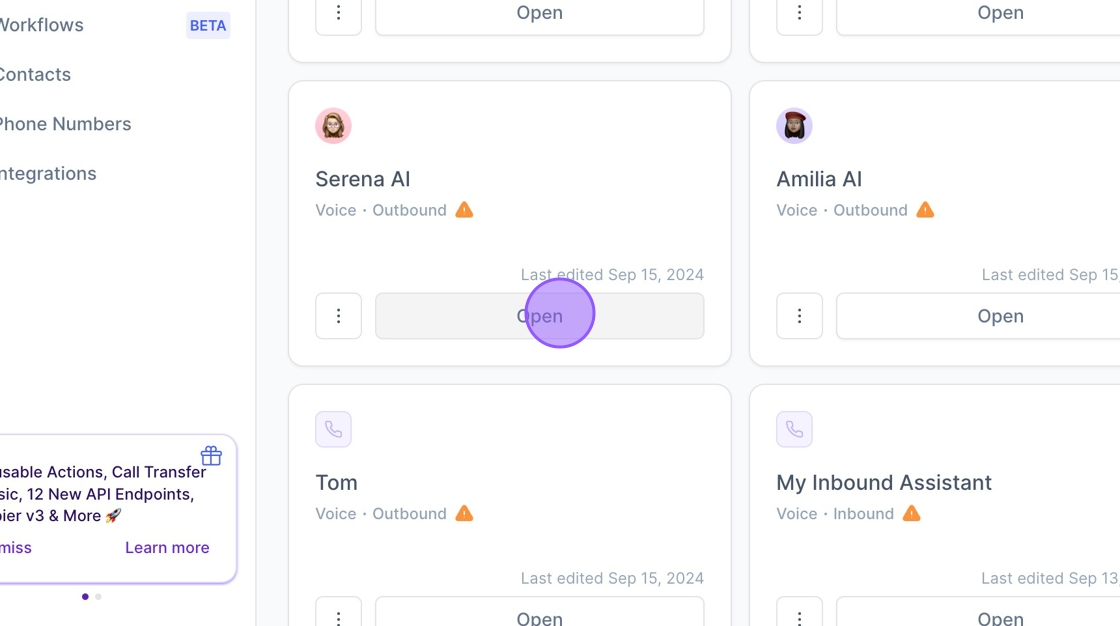
2. Click "Deployment"
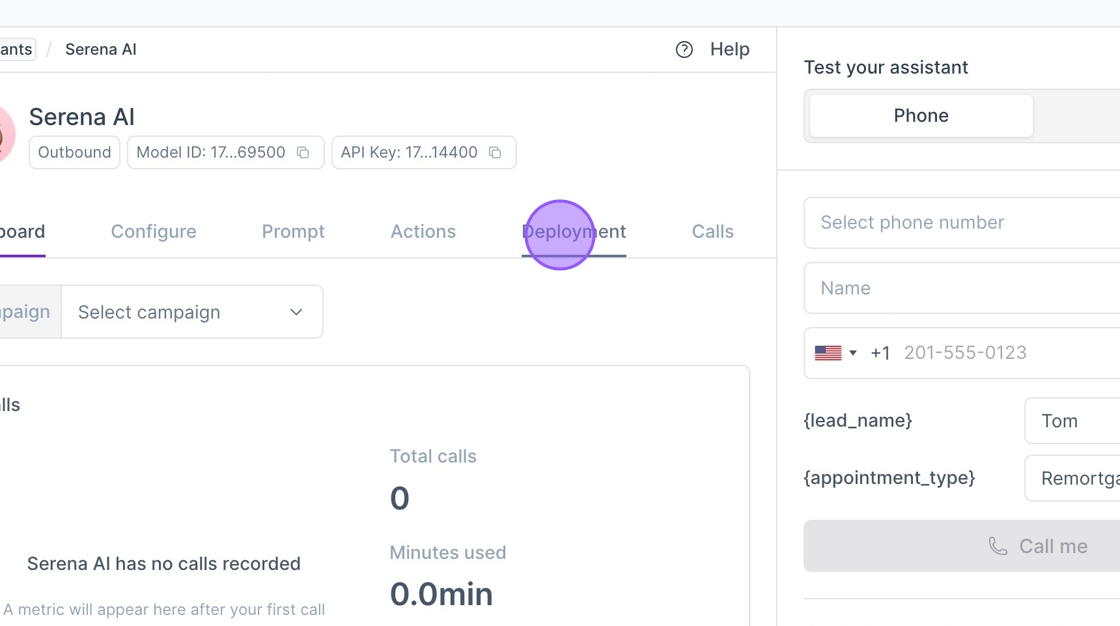
3. Click "Batch"
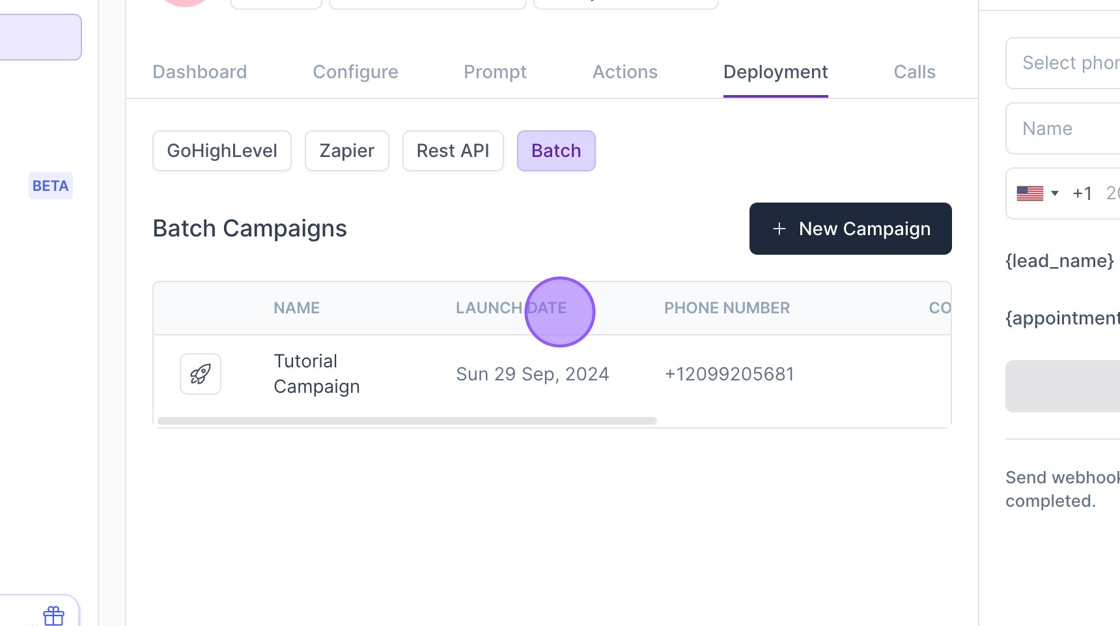
4. Click "New Campaign"
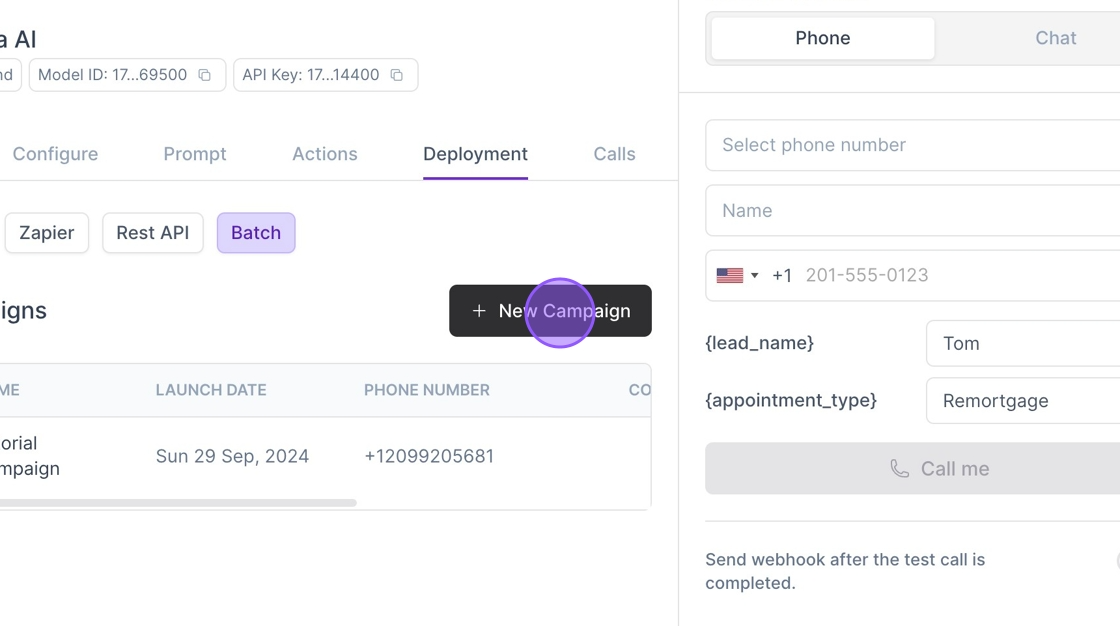
5. Give your Campaign a Name
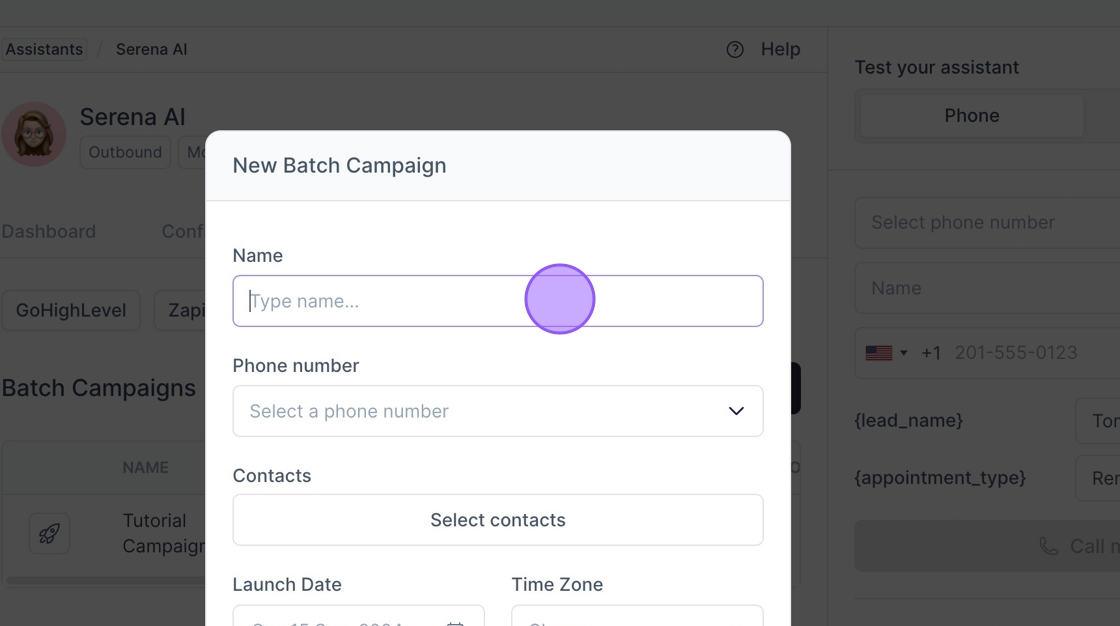
6. Click "Select a phone number"
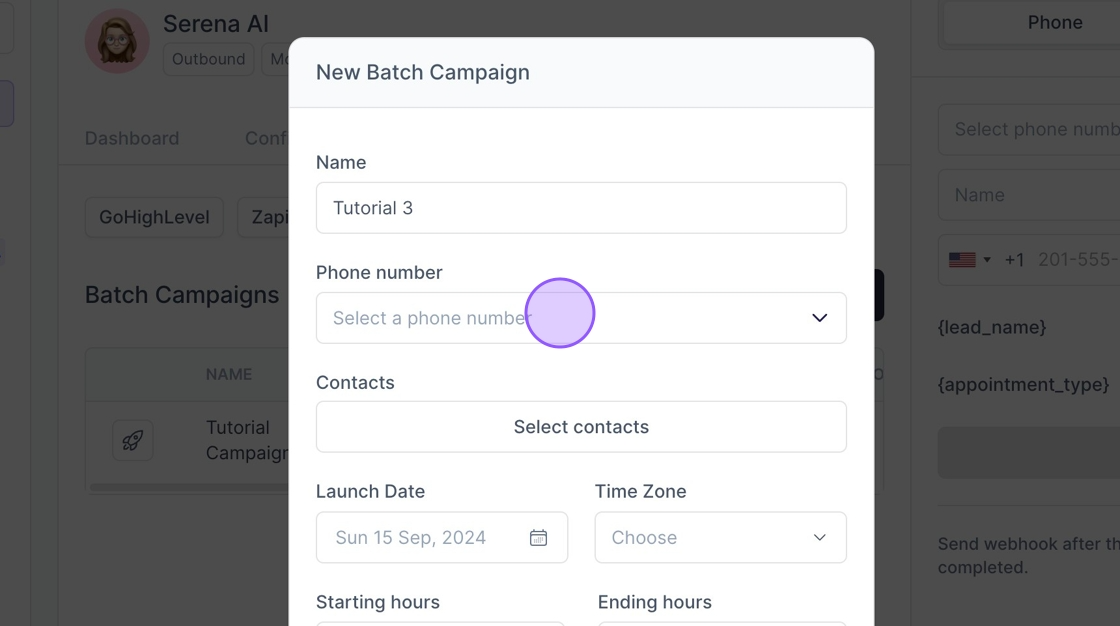
7. Select a number
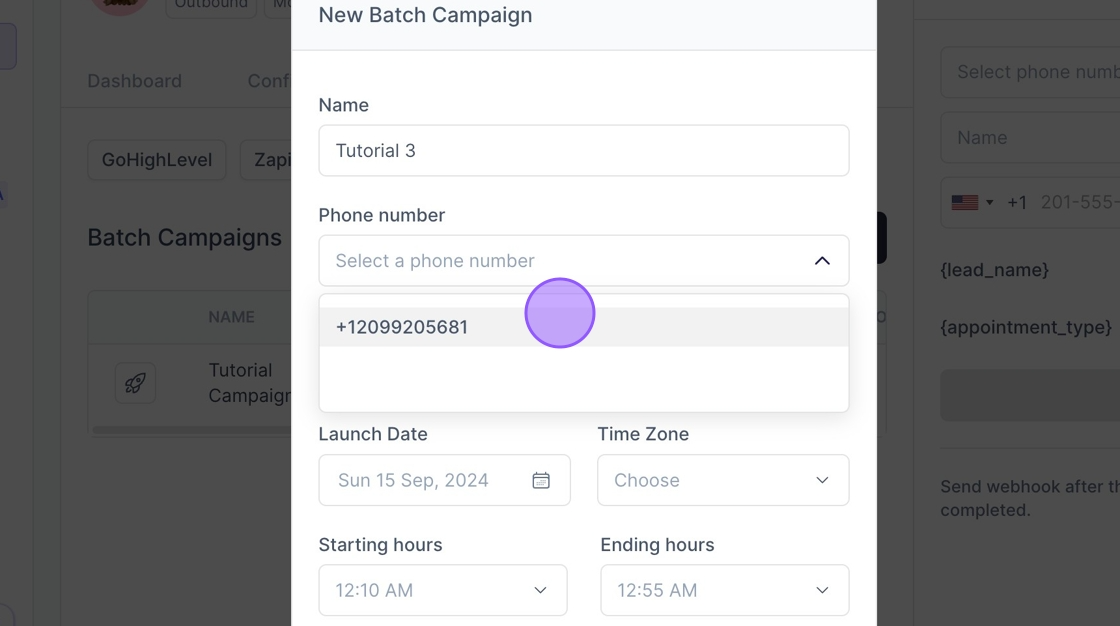
8. Click "Select contacts"
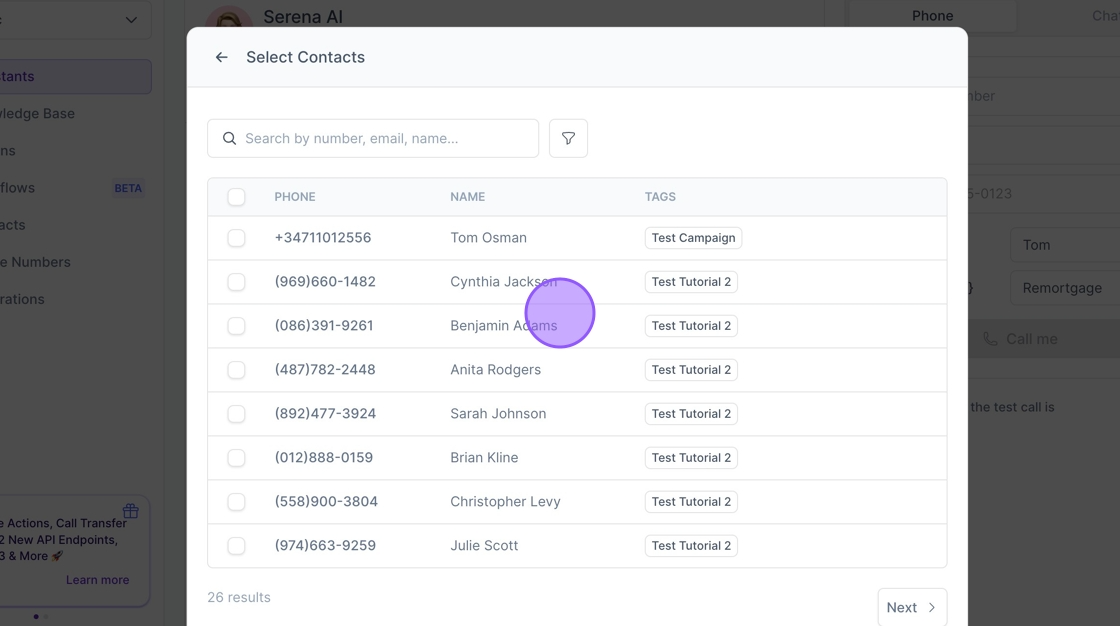
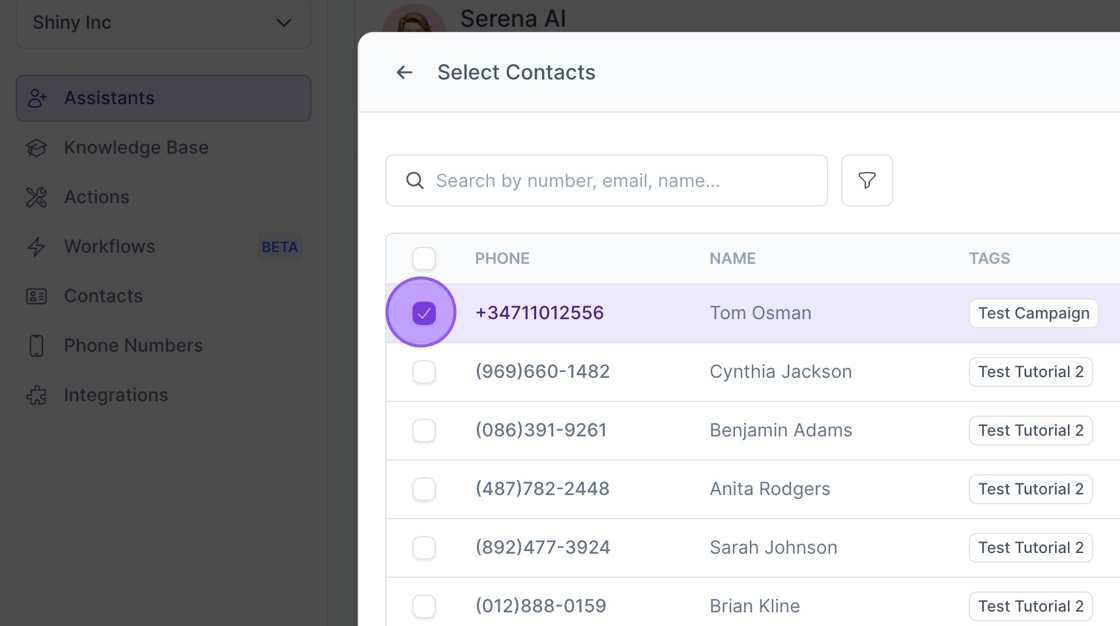
9. Click here to add Contacts to your Campaign.
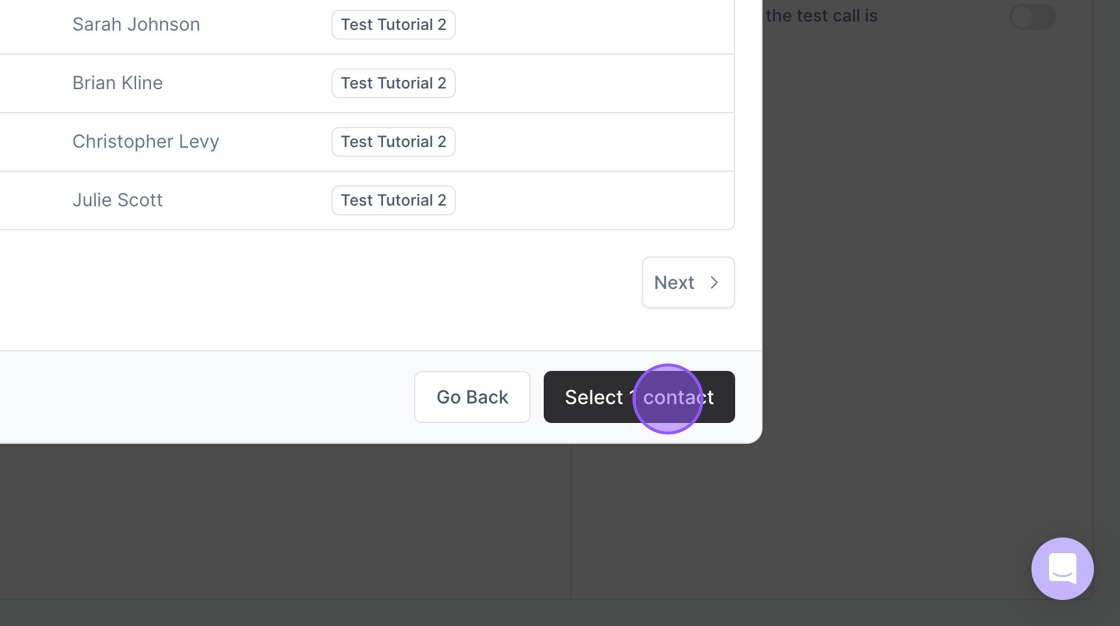
10. Click "Select 1 contact" to add your contacts
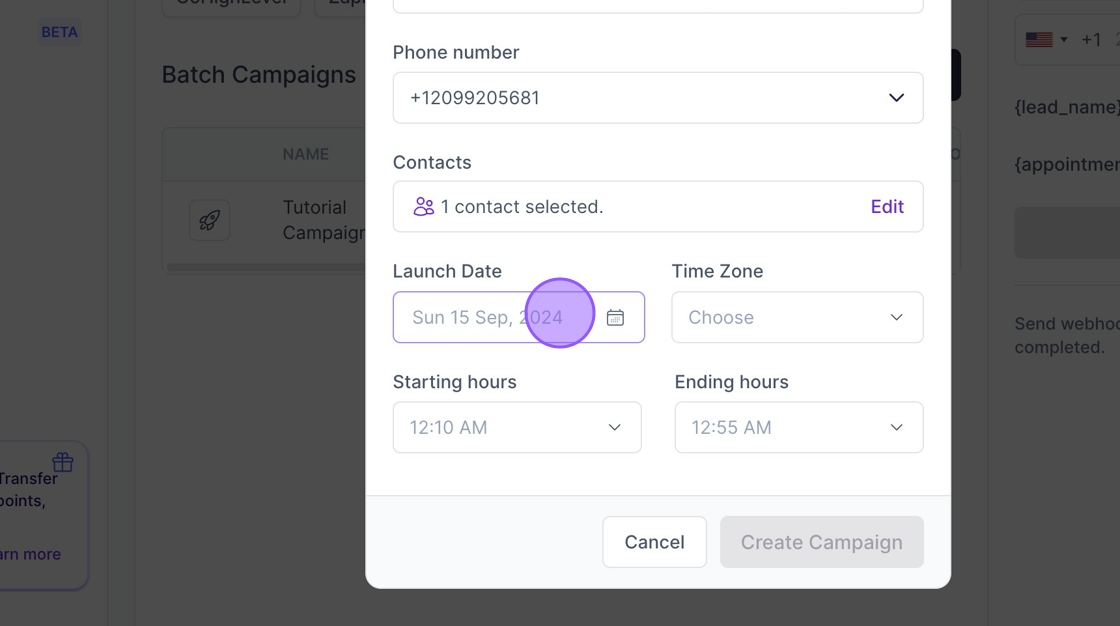
11. Click this field to pick a Launch Date
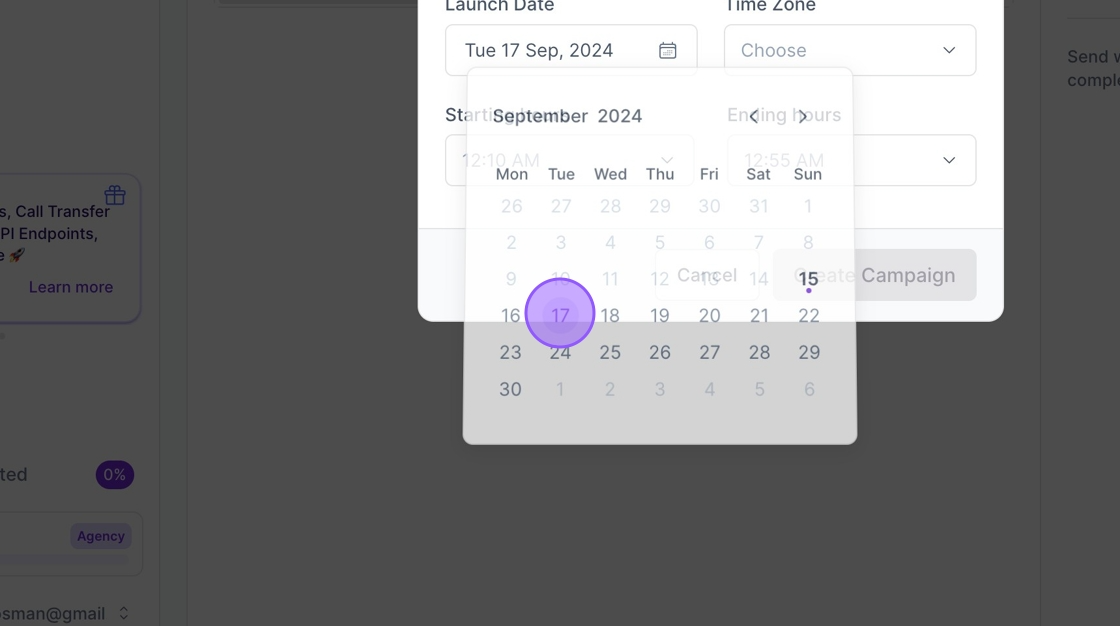
12. Pick a date
13. Click this dropdown to select the Time Zone
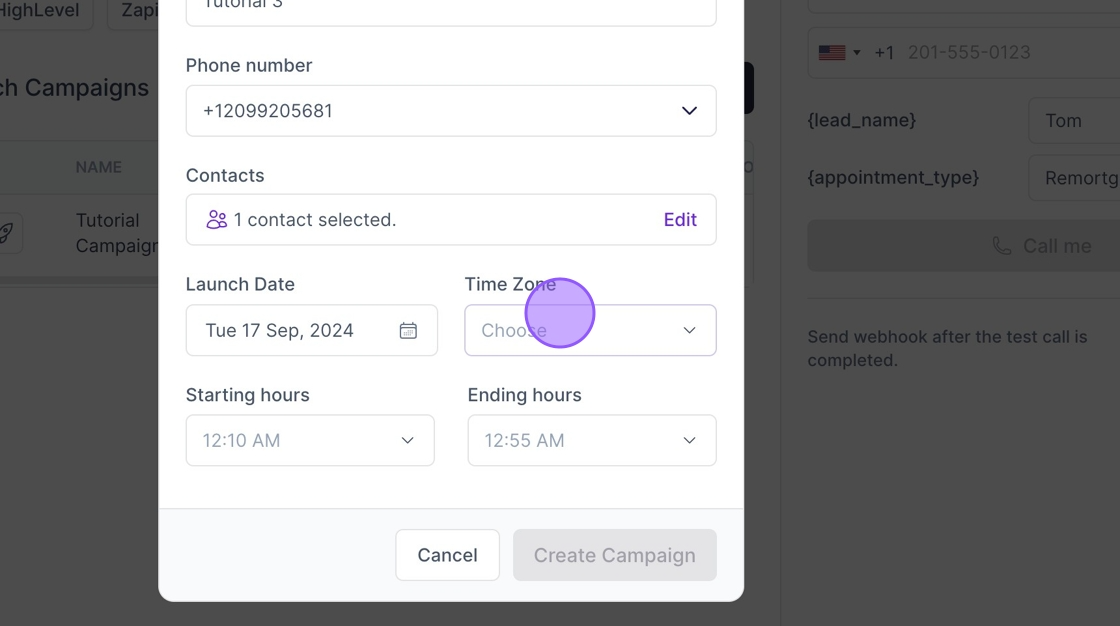
14. Click this dropdown to pick Starting Hours
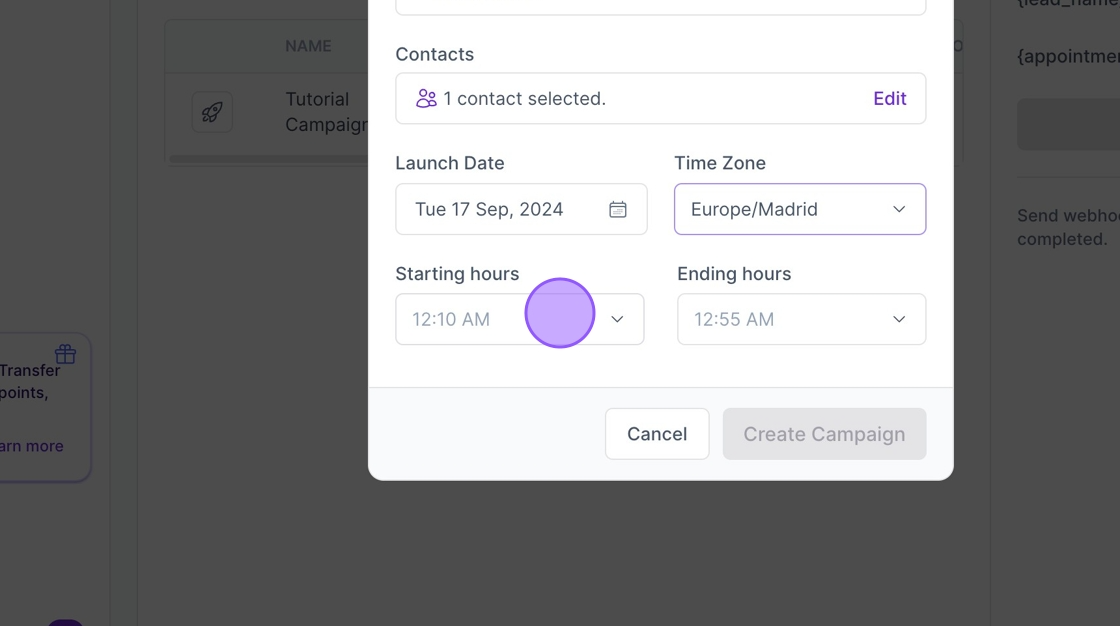
15. Click this to pick Ending Hours
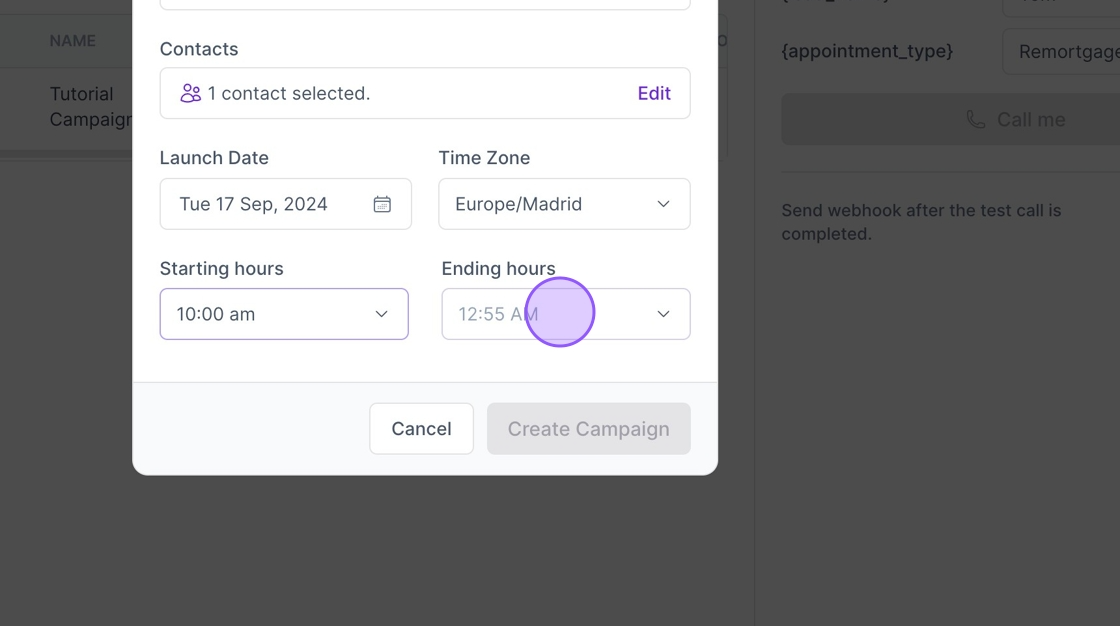
16. Click "Create Campaign"
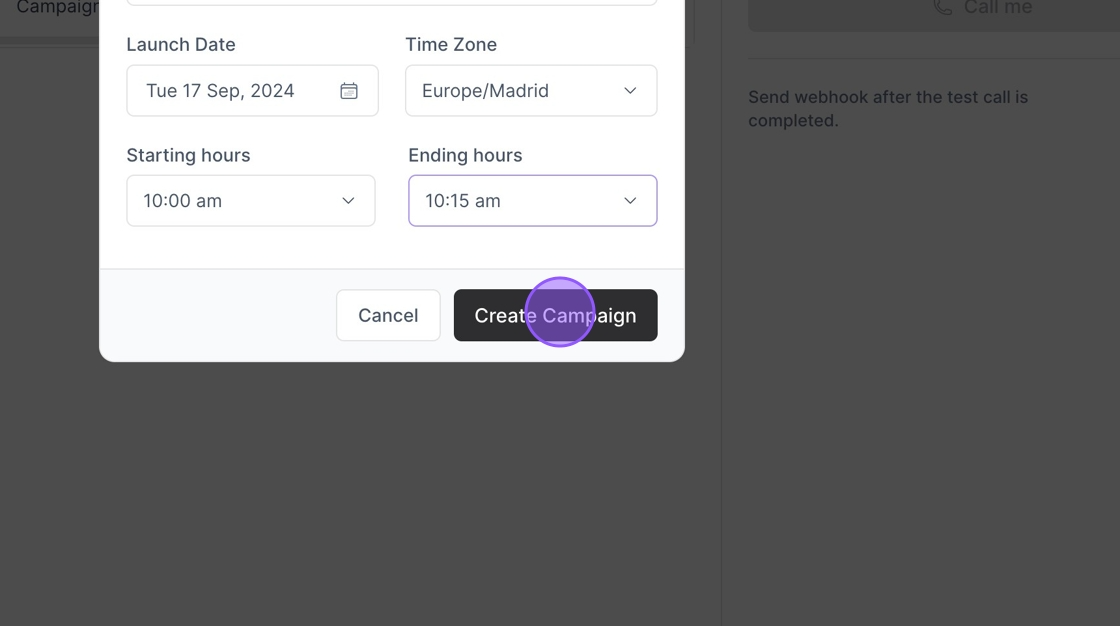
17. Click here.
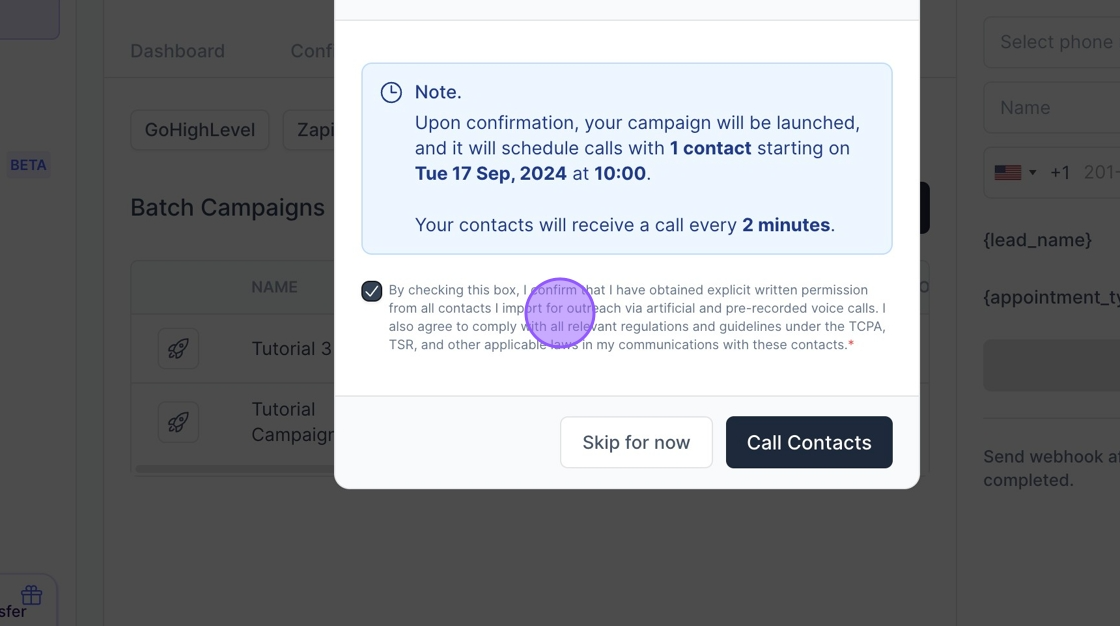
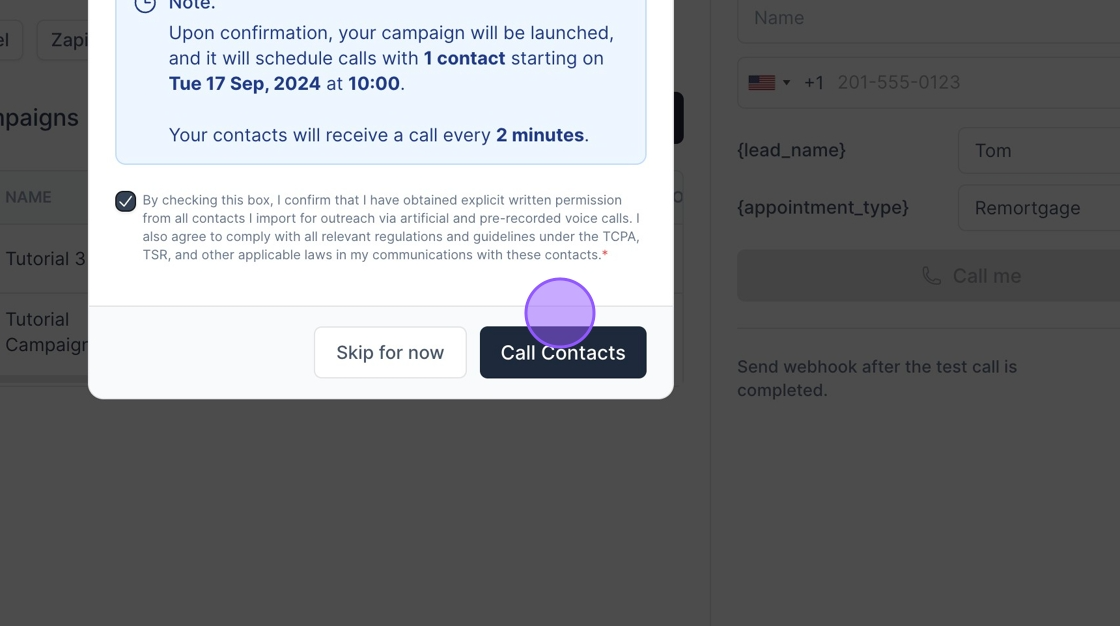
18. Click here to Launch the Campaign
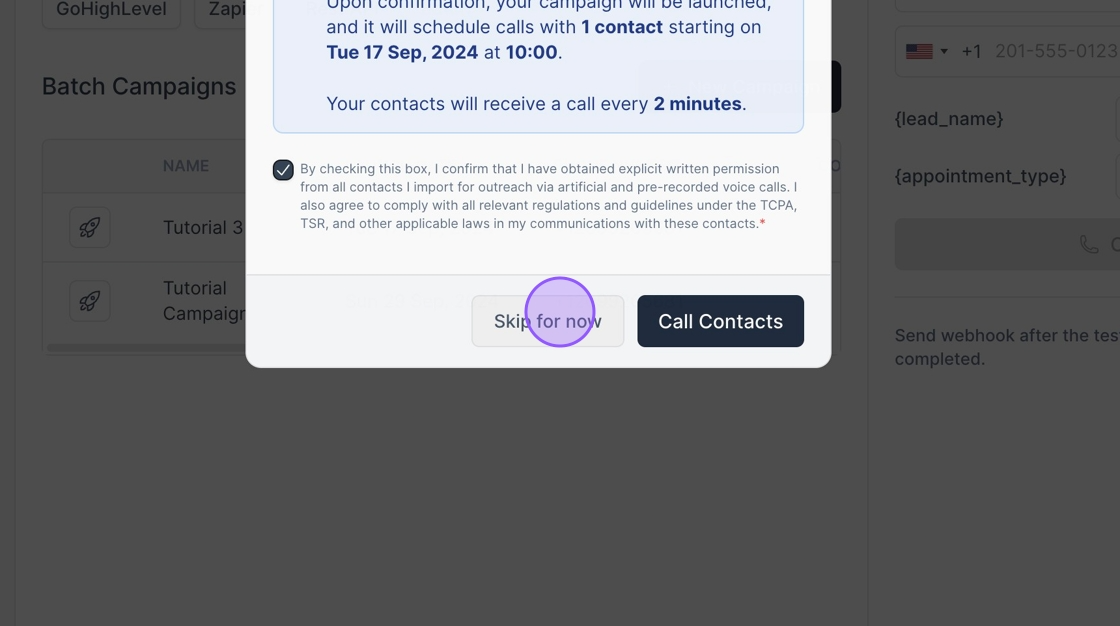
19. Click "Skip for now" to Launch later
Was this article helpful?
That’s Great!
Thank you for your feedback
Sorry! We couldn't be helpful
Thank you for your feedback
Feedback sent
We appreciate your effort and will try to fix the article